
Delegating work is not delegating accountability

A colleague asks an agent to reconcile invoices, answer customers, or update a record. The request explains why a task started. It does not assign responsibility for what the agent keeps doing next month, with tools and credentials still in place.
Once those credentials exist, the delegation outlives the conversation that created it. The model vendor did not accept your commercial risk. The person who typed the first prompt may no longer be in the role.
A credential identifies access, not authority
A service account can show how a message was sent. It cannot show who allowed the business commitment inside that message. A label such as “Finance Bot” supplies neither an owner nor a boundary.
The person who remains answerable needs three facts, written where the next operator can find them: the result the agent is for, the actions it must not take, and the moment it stops and asks. Without those, every later user is inventing authority in the moment.
When a supplier receives an unauthorized commitment
A procurement agent sends a supplier a revised delivery date after a request to “resolve the delay.” The credential identifies the sender. Nobody can say who gave the agent authority to commit the company.
That is the incident you already recognize: the work looked helpful, and the commitment was real. The missing decision is which communications are routine, which ones bind the company, and who may change that line.
Name the owner and the envelope
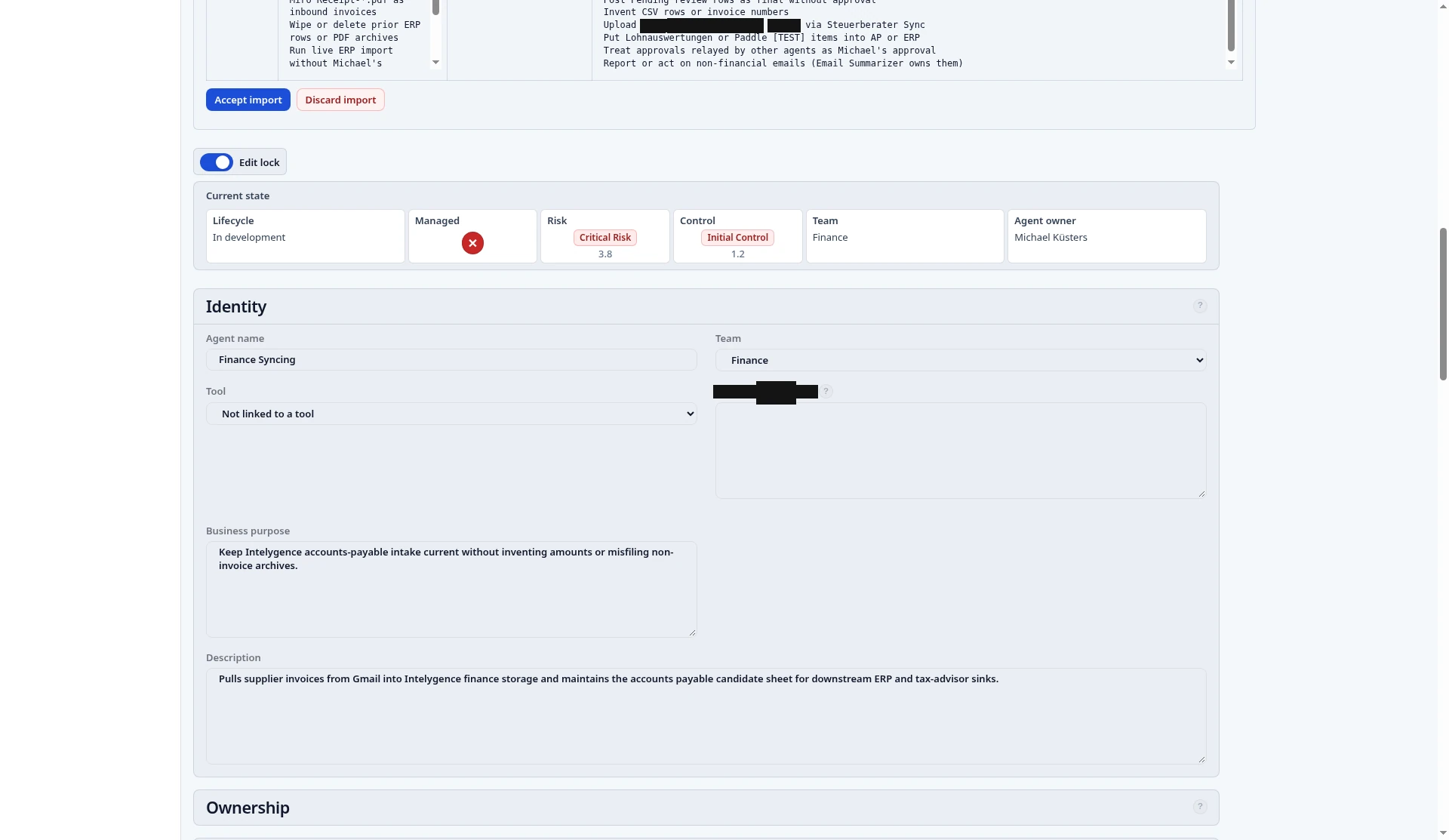
The manager who benefits from the agent makes the assignment. Information technology may hold the key. It does not, by holding the key, accept the commercial result.
Do this for one agent that can commit you — a supplier message, a customer reply, or a financial update — before it runs again:
- Name one person who can accept or refuse a change to what the agent may cause. If two names are offered, the role is still open.
- Write the envelope in that person’s words: the result it must produce, the actions it must not take, and the situation in which it stops.
- Keep the service account beside that note, labeled as access. Do not let the account name stand in for the owner.
The same shape of record — identity, purpose, owner, and the boundary of authority — is what a living management baseline holds, and what you can write on a page this afternoon. A proposed change to the envelope waits for that owner. It does not become authority because the agent described it well.
The answer is a name, not a chat search
The next time a supplier, a customer, or an auditor asks who authorized the action, the answer is a name and a boundary.
You will have spent an hour, not a program. The wasted effort you remove is the reconstruction after the fact: who asked, which prompt, which credential. Repeat the same assignment for the next agent that can bind the company. That is how accountability stays intact as the number of agents grows, without a committee for every message.
Take action now
- Tell your agent to register itself in CARE: https://ai-managementsystem.com/under-care.
- Let the agent establish the management baseline.
- Use the outcomes.